Drop Merge
A little room to grow.
Saving is unavailable in this browser. You can keep playing, but this session may not be kept after you leave.
How to play Drop Merge
Aim falling fruits into the basket and bring matching numbered pairs together. Each pair grows into the next size. Start with an apple, unlock a melon, then grow a pumpkin. All seven fruit sizes use their visible circular outline for contact.
- Aim by dragging across the field, then release to drop. A short cooldown separates drops; the next fruit is visible before you commit. Fruits fall, roll and stack under gravity.
- Two touching fruits with the same number become one larger fruit. Their new number is one higher. Chains can continue when the grown fruit touches another matching fruit. Grow the named target to complete the harvest.
- Keep the pile below the dashed line. New fruit has 1.2 seconds to enter; older fruit above the line starts a visible 1.5-second countdown. Clear the line to reset it. A full basket ends the attempt.
Controls at a glance
- Touch or mouse
- Drag and release on the basket to aim and drop. You can also adjust the Aim slider, then press Drop fruit. The next fruit preview follows your position.
- Keyboard
- Focus the basket. Left and Right shift the aim; Space or Enter drops one fruit. P pauses. Tab also reaches the Aim slider and every action button.
- Pause and restart
- Pause freezes physics and overflow time. Leaving the tab or a long frame stall pauses automatically; resume explicitly. New basket asks before replacing a started attempt.
A few things worth trying
- Put matching numbers near each other. A small fruit trapped beneath a larger one cannot merge until its match reaches it.
- Use the whole basket instead of feeding one tall column. Larger fruits need room to roll into contact.
- The preview is a straight drop line, not a promise of where the fruit will settle. Round surfaces can redirect it after impact.
Good to know
What do the numbers mean?
They identify seven size tiers: Berry, Apricot, Plum, Pear, Apple, Melon and Pumpkin. Color is a second cue; equal numbers are what merge.
What carries over after refresh?
Unlocked harvests, the selected harvest and best scores stay in this browser. An active moving basket starts empty after a refresh; it is not saved as a physics snapshot.
Can I undo a drop?
No. Aim and inspect the next fruit before releasing. You can pause to think or restart the basket after confirmation.
Are the three goals achievable?
All three targets have been reached with recorded real drop positions through the same gravity and contact rules used in the game. Your placement and timing affect the result.
What is the scoring rule?
A merge into tier two scores 2, then 4, 8, 16, 32 or 64 for successive tiers. The numbered fruit labels run from one to seven. There is no timer bonus or paid rescue.
Another little break
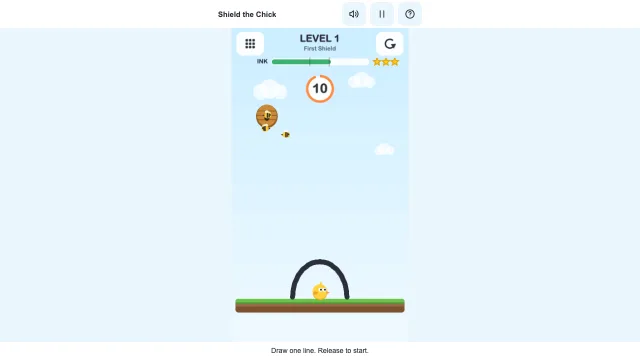 Shield the ChickDraw a shield. Keep the bees out.Play now
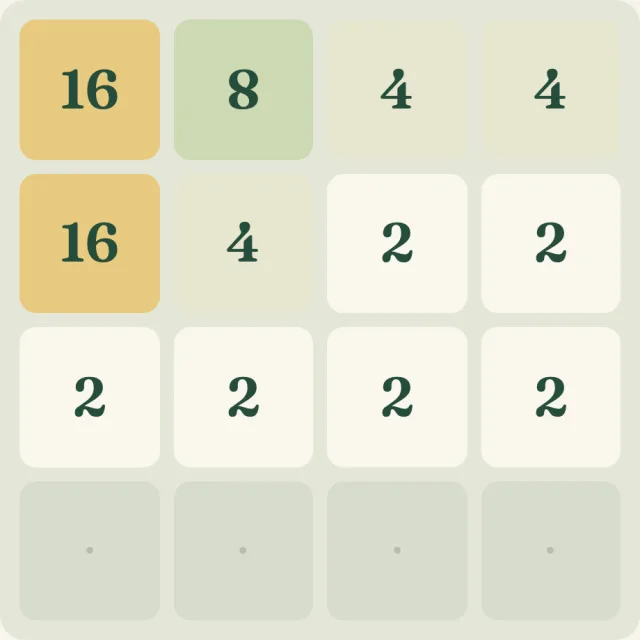 Number GroveMatch your way to a little 64.Play now
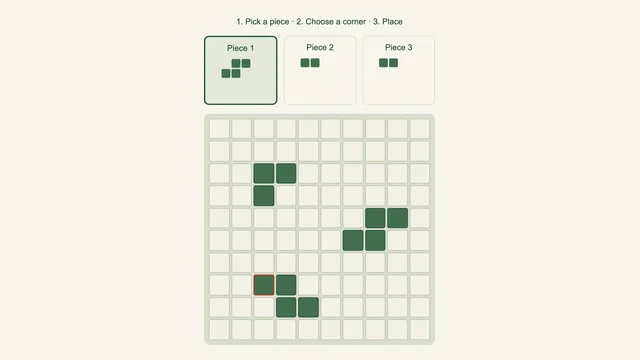 Block GardenPlant a shape. Clear a line. Leave room to grow.Play now Explore all our games →