Picture Pieces
A quiet scene, one piece at a time.
Saving is unavailable in this browser. You can keep playing, but this session may not be kept after you leave.
How to play Picture Pieces
Reassemble three original illustrated scenes: a glasshouse, a moonlit pond and an orchard cottage. Choose 9, 16 or 25 square pieces and fit every piece into its place.
- Choose a loose piece, then select a matching space in the frame. Pieces snap only into the correct location; a wrong attempt keeps your selection.
- You can also drag a piece onto the frame. No rotation is needed. Look for roof lines, water edges and changes of color.
- Show picture opens a reference image. Choose the next picture and size, then use New puzzle to begin. There is no timer or penalty for using the reference.
Controls at a glance
- Touch or mouse
- Select a loose piece, then its space. Dragging onto the frame works too; selection and placement are easier when scrolling on a small screen.
- Keyboard
- Tab between the frame and loose pieces. Arrow keys move focus; Enter or Space selects or places a piece.
- Reference
- Show picture displays the full original illustration. Hide it again whenever you want to try without it.
A few things worth trying
- Start with corners and the outer edges of the scene. Long lines such as the roof and greenhouse beams help connect neighboring pieces.
- For the pond picture, follow the ripple lines and lily-pad edges instead of relying only on the background color.
- Try 9 pieces first, then return to the same scene with 16 or 25 pieces.
Good to know
Where do these pictures come from?
The glasshouse, pond and cottage are original vector illustrations created for this game and bundled with the site.
Does a wrong placement cost anything?
No. The piece stays selected so you can try another space. Correctly placed pieces remain fixed.
What is saved?
The current picture, piece size, placed pieces and completed picture-size combinations are saved in this browser.
Another little break
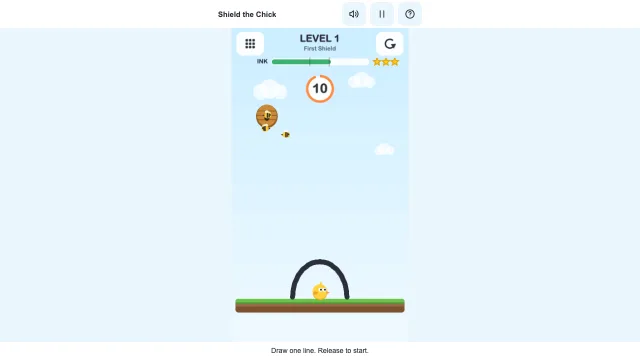 Shield the ChickDraw a shield. Keep the bees out.Play now
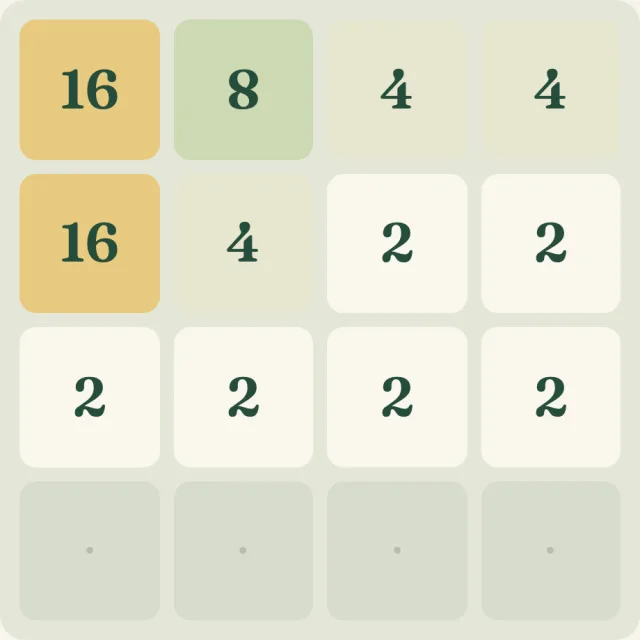 Number GroveMatch your way to a little 64.Play now
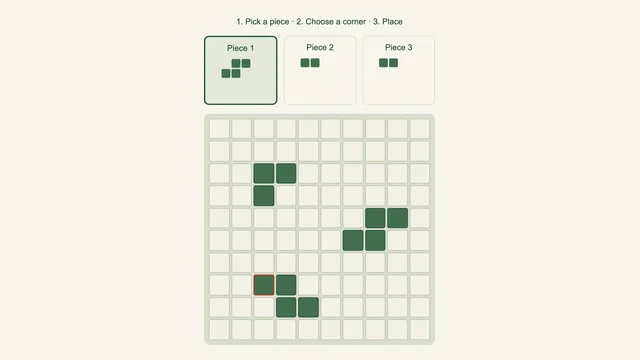 Block GardenPlant a shape. Clear a line. Leave room to grow.Play now Explore all our games →