Brick Harbor
A clean return. A harbor cleared.
Saving is unavailable in this browser. You can keep playing, but this session may not be kept after you leave.
How to play Brick Harbor
Keep a ball above your paddle and clear six original brick formations. Each harbor starts with three balls; reinforced bricks and narrower paddles introduce new shot choices.
- Clay bricks break in one hit. Green bricks with a pale stripe need two hits. Each damaging collision earns points; clear every brick to unlock the next harbor.
- The paddle center sends the ball mostly upward. Catch near an edge for a wider return. A ball that falls past the bottom costs one life; position your paddle and launch again while balls remain.
- Three missed balls end the attempt. Retry starts the selected harbor fresh. Unlocked harbors and best points persist, but the live ball position and partly cleared board do not survive a page reload.
Controls at a glance
- Touch or mouse
- Drag horizontally anywhere on the playfield, or move your mouse across it. The paddle follows your horizontal position. Use Launch ball when ready.
- Keyboard
- Tab to the playfield. Hold Left or Right to move, then Space or Enter to launch. P pauses or resumes. Tab reaches the other controls.
- Pause and progression
- Pause freezes the ball and paddle. Leaving the tab pauses an active ball. After clearing a harbor, Next harbor starts the unlocked formation. Select an earlier harbor and Retry harbor to replay it.
A few things worth trying
- Use the launch position to approach a gap between brick groups. You can move the paddle before spending a ball.
- Aim with the paddle edge when a vertical return keeps missing the remaining bricks. A wider angle can reach behind a formation.
- Track the returning ball instead of chasing every brick impact. Pause whenever you need a break; the game has no time bonus.
Good to know
Are these original levels?
The six layouts and progression are authored for Tapovibe. They share classic brick-breaker mechanics but use first-party code, geometry and visual assets.
What is saved?
The selected harbor, unlocked harbors and each harbor’s best points stay in this browser. Reload starts the selected harbor with three balls and a fresh formation.
Does the game play itself?
No. You control every paddle return. A new ball waits for Launch ball; there is no automatic paddle or auto-clear mode.
Can I play without a pointer?
Yes, using left and right arrows and Space on the focused playfield. It remains a visual reaction game; there is no equivalent nonvisual play mode.
Another little break
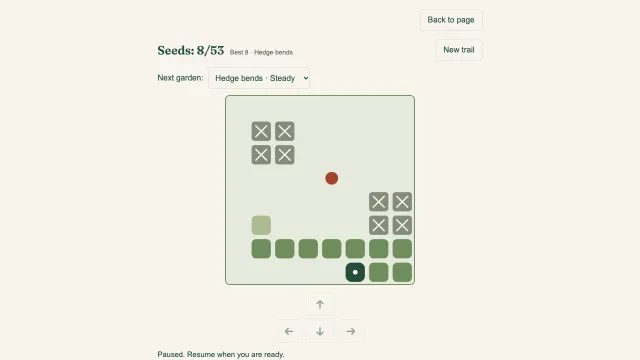 Snake TrailA longer trail. A little less room to turn.Play now
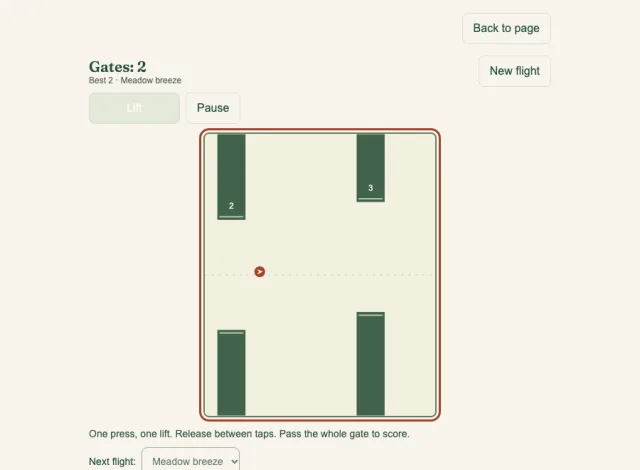 Tap GliderA small lift. A longer flight.Play now
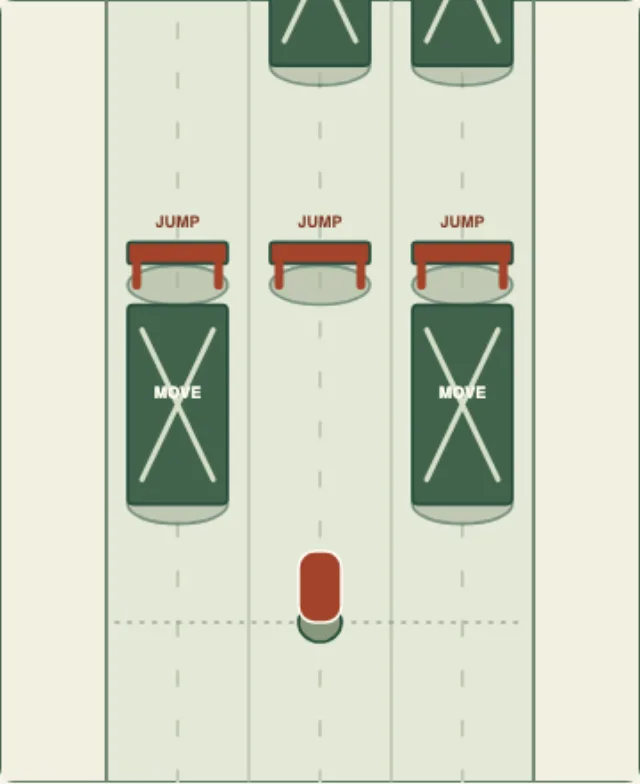 Lane RunnerFind a lane. Find your rhythm.Play now Explore all our games →