Tap Glider
A small lift. A longer flight.
Saving is unavailable in this browser. You can keep playing, but this session may not be kept after you leave.
How to play Tap Glider
Guide a small glider through the open spaces between wind gates. Each tap gives one upward impulse; gravity brings you back down. Pass the entire gate to score and build a personal best.
- The circular craft is your collision boundary. Touching a gate, the ceiling or the ground ends the flight. There is no penalty beyond starting again.
- Meadow breeze offers wider windows and a gentler speed. Ridge rhythm narrows the windows. Daily winds uses a fixed UTC-date route; restarting that day repeats its sequence.
- Aim for five, fifteen and thirty gates. These are personal milestones, not endings: continue as far as you can. Gate spacing and speed stay steady instead of becoming impossible over time.
Controls at a glance
- Touch or mouse
- Tap the playfield, or press Start flight and then Lift. Each press gives one lift. Holding does not repeat; release before your next tap.
- Keyboard
- Focus the flight field with Tab. Space or Enter gives lift; P pauses or resumes. Held keys do not generate extra impulses.
- Pause and retry
- Pause freezes the route. Leaving the tab pauses an active flight and requires Resume. After a collision, Fly again starts the same route. Change the route selector between attempts.
A few things worth trying
- Try Meadow breeze first. Repeated small, deliberate taps are easier to control than a burst of taps near a gate.
- Watch the opening ahead, not only the glider. Let yourself descend toward its center before the next lift.
- Avoid rising too high: the ceiling is a boundary too. Pause when you need a break; there is no time reward.
Good to know
Are daily flights the same for everyone?
The same UTC date produces the same authored gate sequence and speed locally. An active flight keeps the date it started on. There is no server leaderboard or verified competitive score.
What is saved?
The last selected route, best scores for both practice routes and up to sixty daily records stay in this browser. The current flight position is not saved; refreshing starts a fresh attempt.
How are routes made?
First-party flight physics use repeating authored height phrases with bounded changes. The daily route changes the starting phrase and direction from the UTC date. There is no copied level pack or randomly accelerating difficulty.
Can I play without sound or motion effects?
No sound is required or played. Flying gates are essential gameplay motion; there are no decorative screen shakes or particle effects. Pause is always available.
Can the game be played nonvisually?
Controls support a keyboard, but judging approaching gaps remains a visual reaction task. Status text reports milestones and collisions; it does not provide a nonvisual equivalent.
Another little break
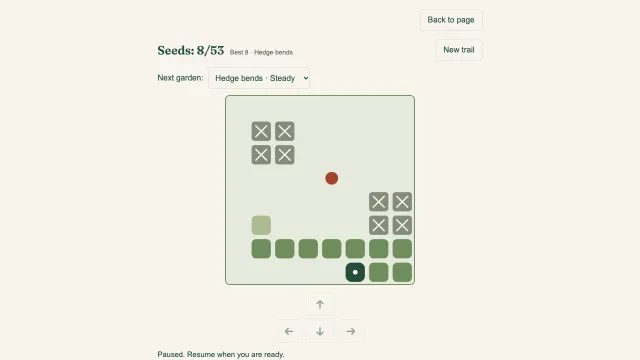 Snake TrailA longer trail. A little less room to turn.Play now
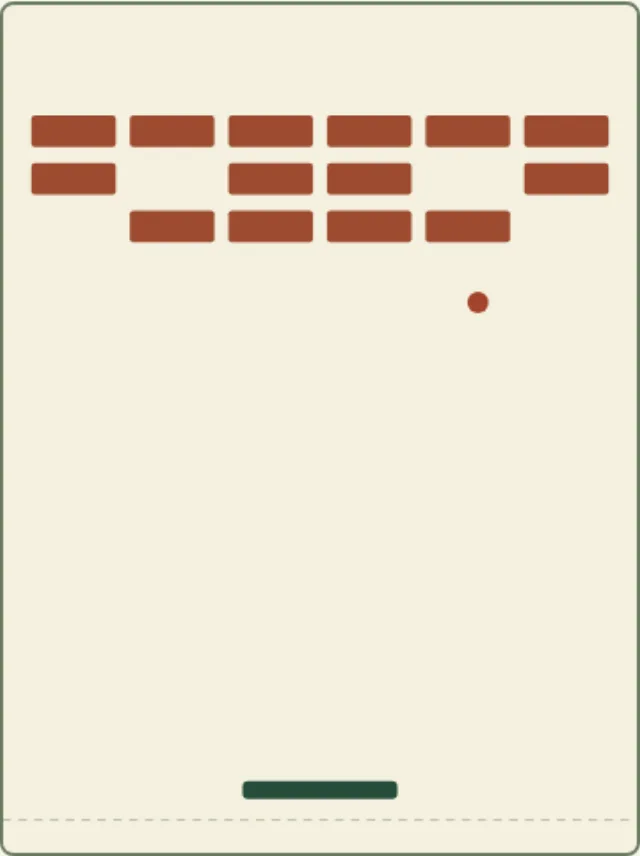 Brick HarborA clean return. A harbor cleared.Play now
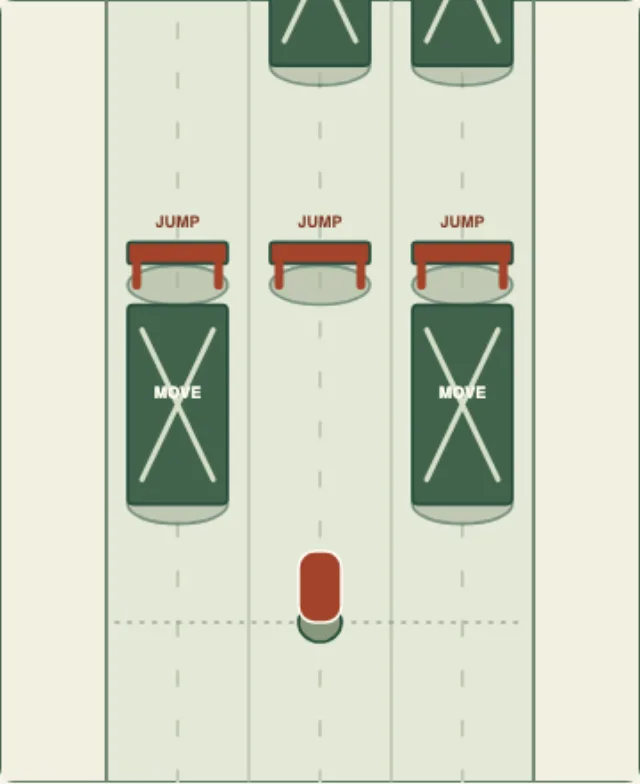 Lane RunnerFind a lane. Find your rhythm.Play now Explore all our games →